Published , 6 min read, by Roofer SEO Co. team
Charleston, North Charleston or Mount Pleasant: Which Town Names Belong on Your Website?
How Google reads town names on your pages and Business Profile, and when Mount Pleasant or North Charleston earns its own section or page on your site.
Name the town where your business is based, plus the towns where you do a steady stream of work and can say something specific. For most Charleston-area businesses that means one strong Charleston page that mentions the surrounding areas honestly, with Mount Pleasant or North Charleston getting a section or a page of its own only once you have real jobs, real details and real search interest there. What you should never do is copy a page and swap the town name.
How Google reads a town name
Google looks for place names in the spots that describe what a page is about: the title tag, the main heading, the opening paragraphs, photo captions and the address on your contact page. A town that only appears in a footer list of thirty places tells Google very little, and it tells a customer even less.
Google also handles a lot of geography without your help. Someone in Mount Pleasant who searches "water heater repair" will see businesses near them whether or not those businesses typed "Mount Pleasant" anywhere. The town name on your page earns its keep when the searcher types it ("water heater repair mount pleasant sc") or searches from somewhere else, like a daughter in Columbia arranging a repair for her father on Daniel Island.
Your Google Business Profile plays a different role from your website:
- The address, or the hidden address if you are a service-area business, is where Google considers you to be. The map results are measured from there.
- The service-area list, which can hold up to 20 places, tells customers where you travel. It does not move your pin, and in practice it does little to pull you into the map results of a town well away from your base.
- The business name has to be your real name. Adding "Charleston Mount Pleasant" to it is keyword stuffing, which breaks Google's guidelines and can get the profile suspended.
So the profile says where you are, and the website explains where you work. Keep the two consistent, and keep both true. Even in a storm week, change hours and closures rather than the address or service areas; our hurricane checklist for coastal profiles covers which settings to touch.
The rivers are real boundaries
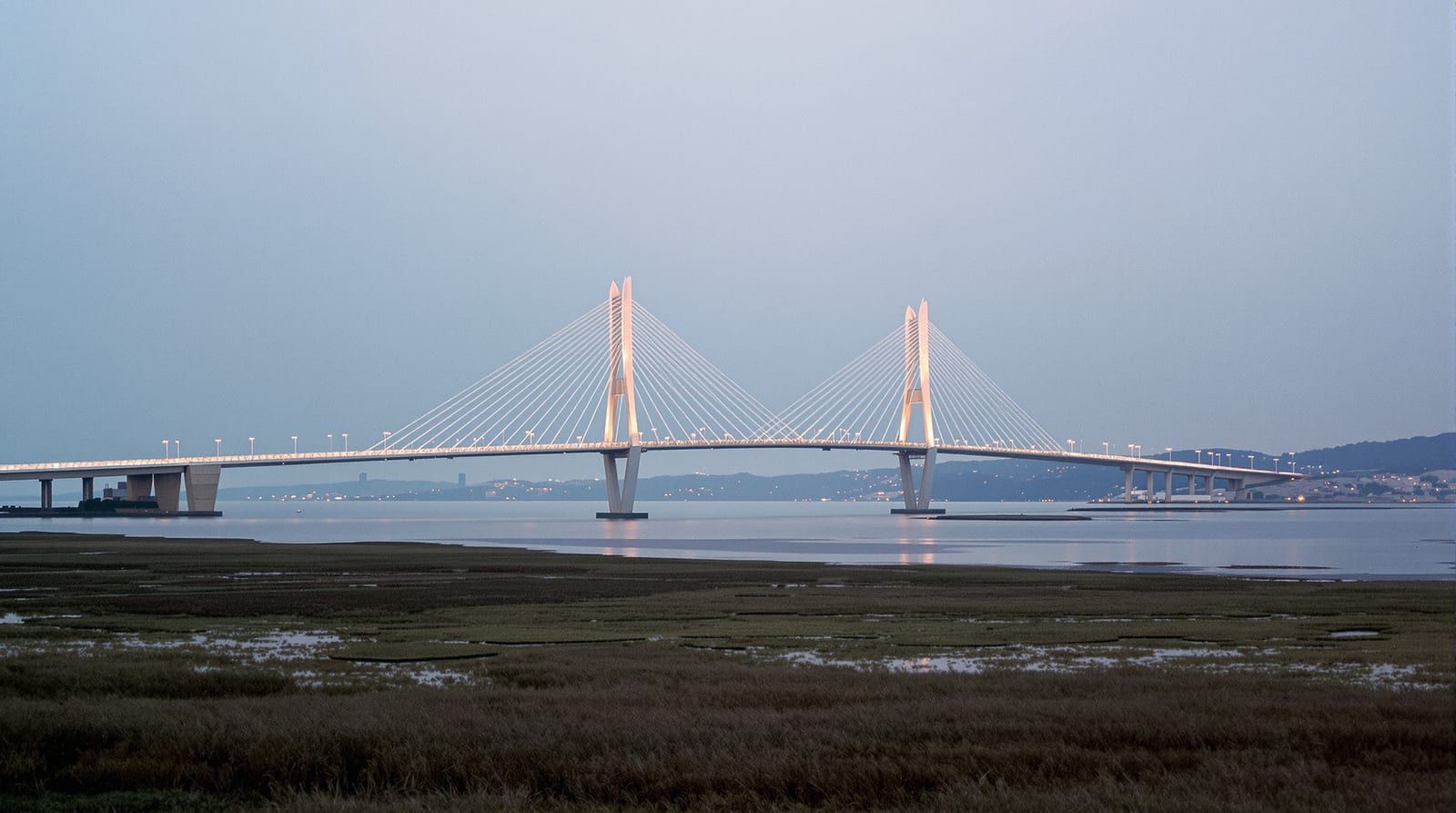
Around Charleston, city limits matter less to customers than the water. The Cooper River runs between the peninsula and Mount Pleasant, and the Arthur Ravenel Jr. Bridge is how most people cross it. The Ashley River runs between the peninsula and West Ashley. James Island, Johns Island and Folly Beach add more water and more bridges to the trip.
For a service business, every river crossing is drive time, and customers know it. A homeowner in Mount Pleasant who reads "based in West Ashley" knows your technician has two rivers to cross. That is fine if your crews make the trip every day and your page says so. It is a problem if you list Mount Pleasant because it is a big name and then offer a Thursday-only arrival window when they call.
Draw your service map from where your trucks start the day, measured in drive time rather than city limits. A way to do it this week: export your jobs from the past 12 months, tag each one with its town or area, and note which side of which river it was on. Many owners who try this find their real territory is smaller and more lopsided than the list on their website. That is useful to know before you write a single new page.
When one Charleston page is enough
One page is enough when your work is spread thin and nothing about the job changes from place to place. Say you run a one-truck appliance repair business on James Island (a hypothetical). Your jobs scatter across West Ashley, the peninsula, James Island and Folly Beach, a few a month in each. A dryer repair is the same dryer repair everywhere.
Here, a single Charleston page does the work. Name the areas you cover in a plain sentence near the top, then spend the rest of the page on what you fix, which brands you handle, how scheduling works and how you price a visit. Add a short coverage paragraph a customer can act on: which areas you reach the same day, which need a day's notice, and whether a trip across the bridge costs extra. That paragraph helps a Folly Beach customer more than a separate Folly Beach page would, and it puts the place names on the page in a context Google can read. Every extra town page is also more work to pay for, which is why the number of towns you target shapes an SEO budget as much as competition does.
When a town earns its own section or page
Give a town its own section on your Charleston page first. Promote it to a page of its own when it passes most of these tests:
- You have finished enough jobs there to describe several of them without inventing anything.
- Something about the work is different. North Charleston and Mount Pleasant are their own municipalities, separate from the City of Charleston, so permits, inspections and HOA approvals may run differently. The housing, parking, access or the time of year people call may differ too.
- Customers use the town name when they search or call. Type your service plus the town into Google and look at the autocomplete suggestions, then read your own call notes for how people describe where they live.
- You have proof tied to the place: photos from jobs there, reviews from customers there, a crew lead who lives there.
Say you run a two-crew fencing company in North Charleston (again, hypothetical). Half your jobs are in North Charleston and Summerville, a quarter are in Mount Pleasant, and the rest are scattered. Your Mount Pleasant jobs keep running into HOA approval steps that your other jobs don't. That is a real page: what the approval process looks like from your side, how you help with the paperwork, how much time it adds, photos of finished fences there and reviews from customers there. Summerville may deserve a page too. Daniel Island, with three jobs last year, gets a sentence in the coverage paragraph.
The swapped-name page problem
The tempting shortcut is to write one good Charleston page, copy it, and find-and-replace "Charleston" with "Mount Pleasant," then "North Charleston," then "Summerville." It takes an afternoon and produces a stack of pages that say the same thing.
Google's spam policies currently describe near-identical pages built to rank for different places as doorway pages; read the current version on Google's Search Central site before you build anything along those lines. Set Google aside and the pages still fail the reader. A Mount Pleasant homeowner who lands on a form letter with their town pasted in has no reason to believe you know the area, and every reason to call the next result.
A simple test: print two of your town pages, black out every place name and read them side by side. If you can't tell which is which, merge them into one page or rewrite the weaker one with details that only fit that town. If you can't think of any such details, that tells you the town doesn't need its own page yet.
Putting it together
For most businesses around Charleston, the structure ends up looking like this:
- One strong Charleston page for each main service, naming the areas you cover in plain sentences.
- Sections on that page for the two or three towns where you do steady work, each with something specific to say.
- Separate pages only for the towns where you have enough distinct material to fill one honestly.
- A Business Profile with your real business name, your real address or service-area setup, and service areas that match what the website says.
Revisit the list once a year. Territories drift: a new crew lead, a builder you start working with in Nexton, a run of work on Johns Island. When the job records change, the pages should follow.
Our page on Charleston SEO services explains how we plan town coverage for businesses working on either side of the Cooper and the Ashley. If you'd like a second pair of eyes on your job list and your current town pages, ask us for a call and we'll go through which names belong and which ones should go.